


Solution Hub Groups Pages Market Events Blogs Funding Offers Jobs Courses Movies Games Merits
 Terms and Conditions
 Legal & Business Law Agreement
 Child Safety & Policy
 App Installation Guide
 User Guide Page
 Investors & Partnership agreement
 Flowisetech ambassador policy
 About Us
 Flowisetech Earning Guide
 Terms of Use
 Privacy Policy
 Help
Help
 FAQs
FAQs
 Community Guidelines
 Our Purpose
 Withdrawal Terms
 Verification Terms
 Community Policy
The Complete Beginner's Guide to HTML in 2026

The Foundation of Every Website and Your First Step into Web Development
Every website you have ever visited—from search engines and social media platforms to online stores, banking applications, news websites, and educational portals—shares one thing in common. Beneath the attractive designs, animations, videos, and interactive features lies a simple language that gives structure to everything you see.
That language is HTML.
It is easy to overlook HTML because modern websites appear incredibly sophisticated. They contain real-time messaging, artificial intelligence, interactive dashboards, online payments, and immersive user experiences. Yet before any of these technologies can function, there must be a structure that tells the browser what each piece of content is and where it belongs.
HTML provides that structure.
Many beginners are intimidated by web development because they believe they must immediately learn complex programming languages, frameworks, or artificial intelligence tools. In reality, every experienced web developer began exactly where you are now—learning how to create a simple webpage with HTML.
In 2026, despite the rapid advancement of AI-assisted coding, HTML remains one of the most valuable technical skills anyone can learn. AI can generate code, but understanding HTML allows you to read it, modify it, improve it, fix errors, optimize websites, and build projects that truly belong to you.
Whether your goal is to become a frontend developer, build websites for clients, start a freelance career, create your own SaaS product, launch an online business, or simply understand how the web works, HTML is where your journey begins.
This guide is designed to take you from knowing absolutely nothing about HTML to understanding not only how it works, but why it remains the foundation of the modern web.
What Exactly Is HTML?
HTML stands for HyperText Markup Language.
To understand what this means, let's break the name into its three parts.
HyperText
HyperText refers to text that contains links to other documents or pages. Unlike a traditional printed book, where readers move from one page to the next in a fixed order, HyperText allows users to jump instantly between connected pieces of information. This ability to link documents together is one of the ideas that transformed the internet into the vast network of knowledge we use today.
Markup
Markup means adding labels or instructions to content so that a computer understands what each piece represents. Instead of simply displaying plain text, markup identifies whether something is a heading, a paragraph, a quotation, a table, an image, or a navigation menu.
For example, the sentence:
Welcome to My Website
is simply text.
When written in HTML as:
<h1>Welcome to My Website</h1>
it becomes the main heading of a webpage. The browser immediately understands its purpose because of the <h1> markup.
Language
HTML follows a defined set of rules and syntax that browsers understand. While it is not a programming language in the traditional sense, it is still a language because it provides a standardized way to communicate instructions to web browsers.
Together, HyperText Markup Language forms the structural language of the World Wide Web.
Why HTML Still Matters in 2026
Every few years, someone claims that HTML is becoming obsolete.
They argue that website builders, AI coding assistants, or modern JavaScript frameworks have replaced the need to understand HTML.
Nothing could be further from the truth.
Every framework—whether React, Vue, Angular, Svelte, Next.js, Astro, or any technology that may emerge in the future—ultimately produces HTML. Browsers do not understand React components directly. They understand HTML.
Artificial intelligence can generate impressive code, but AI cannot replace understanding. Developers who rely entirely on generated code often struggle to customize layouts, debug errors, improve accessibility, or optimize websites for search engines. Those who understand HTML can confidently inspect, edit, and improve anything AI creates.
HTML also plays a crucial role in:
-
Search engine optimization (SEO)
-
Accessibility for people using screen readers
-
Website performance
-
Mobile responsiveness
-
Content organization
-
Semantic structure
-
Browser compatibility
Without a solid understanding of HTML, learning CSS, JavaScript, or advanced frontend frameworks becomes significantly more difficult.
The Role of HTML in a Website
Imagine constructing a modern office building.
The concrete foundation, steel beams, and walls define the structure. Without them, interior decoration, electrical wiring, and furniture would have nothing to support.
A website works in much the same way.
HTML creates the structure. It defines where the header belongs, where the navigation appears, where articles begin, where images are placed, where forms collect user information, and where the footer ends.
CSS then controls the appearance by adding colors, spacing, typography, layouts, animations, and responsive design.
JavaScript introduces behavior by allowing pages to respond to user interactions, communicate with servers, validate forms, and create dynamic experiences.
Understanding this relationship helps beginners avoid confusion. HTML is not meant to make websites beautiful or interactive. Its purpose is to give meaning and structure to information.
How Browsers Read HTML
When you open a webpage, your browser performs a series of steps in a fraction of a second.
First, it downloads the HTML document from a web server.
Next, it reads the document from top to bottom, interpreting every tag it encounters.
As it processes the document, the browser constructs a structure known as the Document Object Model (DOM). The DOM is a tree-like representation of every HTML element on the page.
CSS uses this structure to apply styling.
JavaScript uses it to manipulate content dynamically.
Every visible webpage is therefore the result of the browser interpreting HTML and transforming it into something users can interact with.
Understanding this process makes HTML feel much less mysterious.
Your First HTML Document
Every HTML page begins with a basic structure.
<!DOCTYPE html>
<html lang="en">

<head>
    <meta charset="UTF-8">
    <meta name="viewport" content="width=device-width, initial-scale=1.0">
    <title>My First Website</title>
</head>

<body>

    <h1>Welcome to My Website</h1>

    <p>I built this webpage using HTML.</p>

</body>

</html>
Although this document is small, it introduces nearly every concept you'll use throughout your HTML journey.
The <!DOCTYPE html> declaration tells the browser that the document uses HTML5.
The <html> element wraps every piece of content on the page.
The <head> section stores metadata such as the page title, character encoding, responsive viewport settings, linked stylesheets, and search engine information.
The <body> section contains everything users actually see.
Even the most advanced websites in the world begin with this same basic structure.
Understanding HTML Elements
An HTML element is the basic building block of every webpage.
Most elements consist of three parts:
-
An opening tag
-
Content
-
A closing tag
For example:
<p>Learning HTML opens the door to web development.</p>
The opening tag tells the browser where the element begins.
The content contains the information displayed on the page.
The closing tag tells the browser where the element ends.
Some elements, such as images and line breaks, do not require closing tags because they do not wrap any content.
Learning to think in terms of elements rather than isolated tags is one of the most important mindset shifts for beginners.
HTML Is More Than Code—It Is Communication
One of the biggest misconceptions about HTML is that it only exists to display content.
In reality, HTML communicates meaning.
When you use a heading element instead of simply making text larger, you are telling browsers, search engines, and assistive technologies that this text represents an important section.
When you use a <nav> element, you are identifying the site's navigation.
When you use <article>, you indicate that the content stands on its own.
When you use <footer>, you communicate that the information concludes the page.
This semantic meaning allows search engines to better understand webpages and enables assistive technologies to provide a richer experience for users with disabilities.
Good HTML is not merely functional—it is meaningful.
The Biggest Mistake Beginners Make
Many beginners become obsessed with memorizing tags.
They create flashcards for every HTML element, believing that knowledge comes from memorization.
Professional developers rarely memorize every tag.
Instead, they understand the purpose behind HTML.
They know how webpages are structured.
They understand how browsers interpret documents.
They know how different elements relate to one another.
Documentation is always available for the details. Understanding the concepts is what truly matters.
Focus less on memorizing syntax and more on building projects. Every webpage you create reinforces concepts that no amount of reading alone can teach.
The Future of HTML
The web has changed dramatically over the past three decades, yet HTML has remained at its core.
As artificial intelligence continues to transform software development, HTML becomes even more important. Developers who understand structure can effectively guide AI, review generated code, and create websites that are accessible, maintainable, and optimized for users.
HTML is not disappearing. It is evolving alongside the web.
Every new framework, browser feature, and development tool continues to build upon the same fundamental principles introduced by HTML.
Learning it today is not just learning a language—it is learning the architecture of the internet itself.
Final Thoughts
Every expert web developer once stared at a blank text editor, typed a few HTML tags, saved the file, and opened it in a browser with excitement. That simple moment marked the beginning of a journey that could lead to freelancing, entrepreneurship, software engineering, or building products used by millions.
HTML may appear simple, but simplicity should never be mistaken for insignificance. It is the foundation upon which the modern web is built. Every headline you read, every product you purchase online, every article you share, every dashboard you interact with, and every application you use in a browser ultimately depends on HTML to provide structure and meaning.
Mastering HTML is not about learning a collection of tags. It is about learning how information is organized, how browsers interpret documents, and how the web communicates with people around the world.
The internet will continue to evolve. New frameworks will emerge, AI will become more capable, and development tools will become more sophisticated. Yet the importance of understanding HTML will remain. Technologies may change, but the foundation beneath them endures.
If today is your first day learning HTML, remember that every great developer started exactly where you are. Open a text editor, write your first webpage, experiment without fear, make mistakes, and keep building. Every line of HTML you write brings you one step closer to becoming the developer you aspire to be.
The journey into web development does not begin with complexity. It begins with a single HTML document—and that document can change your future.
Categories
- Make Money
- Product Review
- Social Media
- Excel
- Graphics design
- Freelancing/Consulting
- E-commerce and Digital Marketing
- Business
- Self Development
- Tips to Success
- Video Editing
- Photo Editing
- Website Promotion
- YouTube
- Computer
- Phone
- Music
- Spirituality & Faith
- School
- Tech & Digital
- Gaming
- News
- Digital Economy / Technology
- Relationship
- Real Estate
- Creative Arts & Design
- Medical
- Causes
- Networking
Read More
Technology has become one of the most powerful industries in the world. From software development to digital marketing, cybersecurity, product design, artificial intelligence, and data analysis, the opportunities in tech continue to grow every year. But for many young people, the biggest challenge is not whether tech is worth it — it is knowing which path to choose. With so many options...

Anyone shopping online for streetwear eventually runs into the same worry: will this actually fit the way it looks in photos? Essentials hoodies have built a massive following for their relaxed, oversized silhouette, but that same popularity creates confusion for first-time buyers. Reviews vary wildly, with some people swearing by sizing down while others insist true-to-size works perfectly...

Making money as a social media content creator requires a mix of creativity, consistency, and strategy. Here’s a detailed guide to help you get started, along with the steps, sources of income, and methods you can use to turn your content into a sustainable source of revenue. Here Are The Steps to Start Making Money as a Social Media Content Creator: Choose Your Niche: Identify a...
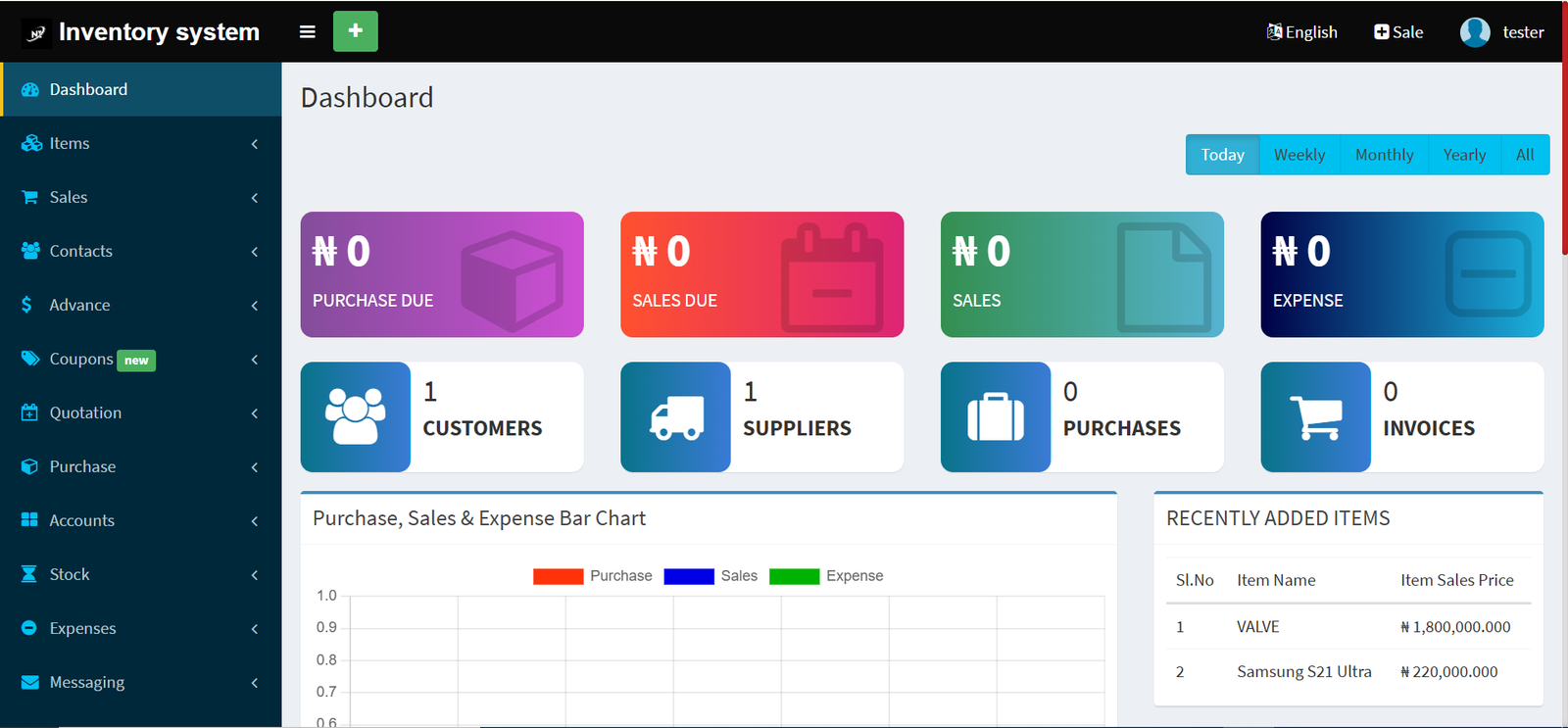
This demo gives you a quick look at our inventory management platform. You can explore how products, categories, stock levels, and transactions are managed through a clean and easy-to-use interface. Please note — this is a general demo version. We offer full customization based on your business size, preferred modules, and specific requirements. Custom features and integrations are...
Evaluating digital marketing performance requires monitoring meaningful metrics that reveal how campaigns influence audience engagement and business growth. Indicators such as conversion rates, website visits, click-through rates, customer acquisition costs, and user interactions help organizations refine their strategies and maximize marketing effectiveness. Building expertise through a...