Our Information Center
 Terms and Conditions
 Legal & Business Law Agreement
 Child Safety & Policy
 Referral Tearms
 About Us
 Flowisetech Earning Guide
 Terms of Use
 Privacy Policy
 Help
Help
 FAQs
FAQs
 Community Guidelines
 Our Purpose
 Withdrawal Terms
 Verification Terms
 Community Policy
Steps on How to Create Form Using PHP

Creating a form in PHP involves two parts:
- HTML Form: The user inputs data into the form.
- PHP Script: The submitted data is processed using PHP.
Step 1: Create an HTML Form
This form contains input fields and a submit button.
<form action="process.php" method="post">
    <label for="name">Name:</label>
    <input type="text" id="name" name="name" required>

    <label for="email">Email:</label>
    <input type="email" id="email" name="email" required>

    <input type="submit" value="Submit">
</form>
action="process.php"→ Sends form data toprocess.phpfor processing.method="post"→ Uses the POST method to send data securely.
Step 2: Process Form Data with PHP
Create process.php to handle the submitted data.
<?php
if ($_SERVER["REQUEST_METHOD"] == "POST") {
    $name = htmlspecialchars($_POST['name']);
    $email = htmlspecialchars($_POST['email']);

    echo "Name: " . $name . "<br>";
    echo "Email: " . $email;
}
?>
$_SERVER["REQUEST_METHOD"] == "POST"→ Ensures the form is submitted using POST.$_POST['name']→ Retrieves the form data.htmlspecialchars()→ Prevents XSS attacks by escaping special characters.
Step 3: Add Form Validation (Optional)
To validate inputs before processing:
<?php
if ($_SERVER["REQUEST_METHOD"] == "POST") {
    if (!empty($_POST['name']) && filter_var($_POST['email'], FILTER_VALIDATE_EMAIL)) {
        $name = htmlspecialchars($_POST['name']);
        $email = htmlspecialchars($_POST['email']);

        echo "Valid Submission!<br>";
        echo "Name: " . $name . "<br>";
        echo "Email: " . $email;
    } else {
        echo "Invalid input. Please check your details.";
    }
}
?>
!empty($_POST['name'])→ Ensures the name field is not empty.filter_var($_POST['email'], FILTER_VALIDATE_EMAIL)→ Validates email format.
Step 4: Store Data in a Database (Optional)
If you want to store the submitted data in a MySQL database:
<?php
$servername = "localhost";
$username = "root";
$password = "";
$dbname = "test_db";

// Create connection
$conn = new mysqli($servername, $username, $password, $dbname);

if ($conn->connect_error) {
    die("Connection failed: " . $conn->connect_error);
}

if ($_SERVER["REQUEST_METHOD"] == "POST") {
    $name = $conn->real_escape_string($_POST['name']);
    $email = $conn->real_escape_string($_POST['email']);

    $sql = "INSERT INTO users (name, email) VALUES ('$name', '$email')";

    if ($conn->query($sql) === TRUE) {
        echo "New record created successfully!";
    } else {
        echo "Error: " . $sql . "<br>" . $conn->error;
    }
}

$conn->close();
?>
mysqliis used to connect to the MySQL database.real_escape_string()prevents SQL injection.
Final Thoughts
- Use client-side validation (JavaScript) for better UX.
- Use server-side validation (PHP) to ensure security.
- Always sanitize inputs to prevent XSS and SQL injection.
Would you like to add a file upload field or other custom features? 🚀
Categories
- Make Money
- Product Review
- Social Media
- Excel
- Graphics design
- Freelancing/Consulting
- E-commerce and Digital Marketing
- Business
- Self Development
- Tips to Success
- Video Editing
- Photo Editing
- Website Promotion
- YouTube
- Computer
- Phone
- Music
- Spirituality & Faith
- School
- Tech & Digital
- Gaming
- News
- Digital Economy / Technology
- Creative Arts & Design
- Medical
- Causes
- Networking
Read More
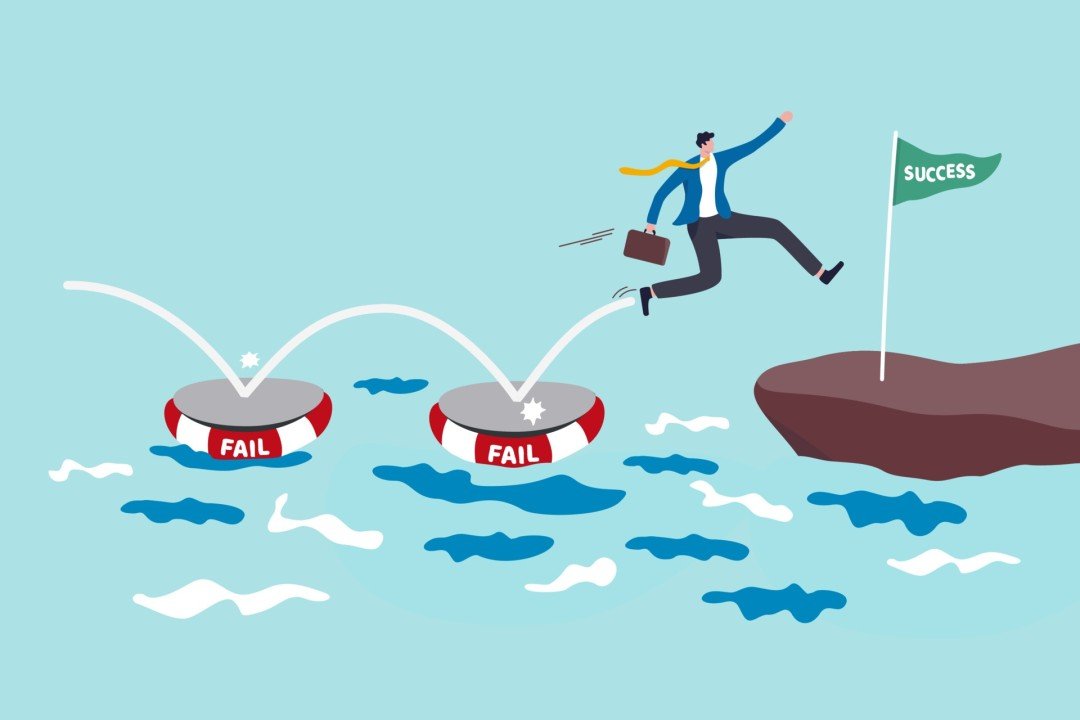
Failure. The very word can send a shiver down the spine. We’re taught from a young age to avoid it—to fear red marks on a test, lost opportunities, or rejected applications. But the truth is, failure isn’t just inevitable on the path to growth—it’s essential. It carves out the raw terrain where resilience, insight, and character are born. Let’s explore why...
What is Scala? Scala is a powerful programming language that combines: Object-oriented programming (OOP) → like Java Functional programming (FP) → like JavaScript, Python, Haskell Its name means “Scalable Language” because it was designed to grow with your needs—from small scripts to large, high-performance systems. Why Was Scala Created? Scala was...

For decades, salary was the ultimate goal. Get a good job, earn a steady paycheck, and life would take care of itself. But for today’s generation, that equation is breaking down fast. Even people with “good jobs” are struggling. Not because they’re lazy or careless—but because salary alone is no longer enough to keep up with the realities of modern life. The...

Sleep is a fundamental biological process that plays a crucial role in overall health and well-being. Despite its significance, many people overlook the importance of quality sleep, especially in the pursuit of success. In today's fast-paced world, individuals often sacrifice sleep in an effort to be more productive. However, scientific research and real-life examples indicate that adequate...

Introduction to Tailwind CSS Tailwind CSS is a utility-first CSS framework that enables developers to build modern and responsive designs quickly. Unlike traditional CSS frameworks like Bootstrap, Tailwind doesn’t come with pre-designed components. Instead, it provides low-level utility classes that allow developers to create custom designs directly in their HTML code. Key Features of...